
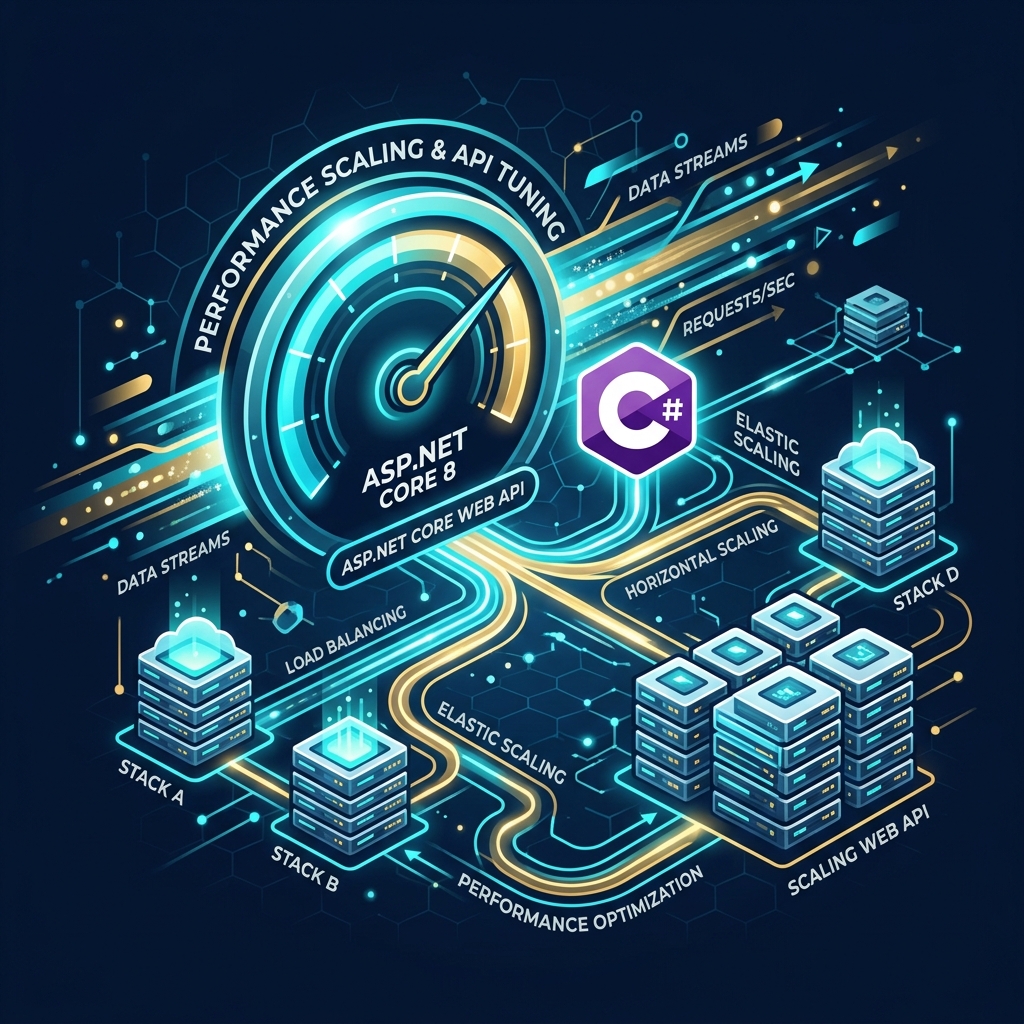
For high-growth software platforms and enterprise SaaS portals, application performance is directly tied to business revenue. A slow API doesn’t just frustrate users; it increases cloud hosting bills, lowers search engine rankings, and causes transaction drops during peak traffic hours. When scaling software architectures, backend systems must process thousands of concurrent database reads and writes with sub-second latency.
Microsoft’s **ASP.NET Core** is recognized as one of the fastest web frameworks in existence, outperforming Node.js and Python in raw execution speed. However, writing out-of-the-box C# code is not enough to support extreme traffic. True high-concurrency scaling (exceeding 50,000 requests per second) requires tuning your web server engine, database access patterns, memory allocation boundaries, and cloud hosting infrastructure.
What is ThreadPool Starvation?
ThreadPool starvation occurs when all available worker threads in the server are blocked by synchronous tasks, forcing new incoming requests into a queue. In high-traffic scenarios, this queue grows rapidly until the server runs out of memory and crashes. Building asynchronous pathways throughout your entire C# application is key to preventing this bottleneck.
1. API Performance Metrics: Before vs. After Optimization
Optimizing your backend framework directly impacts server throughput and operational costs. Below is a comparison showing the performance shift after executing our standard scaling checklist:
Out-of-the-Box Configuration
Prone to database lockouts and thread exhaustion under sudden user spikes.
Performance-Tuned Core
Stable, highly scalable, and running on optimized cloud server footprints.
2. Step-by-Step API Scaling Roadmap
Scaling an application is a progressive journey. It starts by optimizing database access, moving to application memory management, and finally orchestrating global cloud clusters:
Database & EF Core Tuning
Database & EF Core Tuning
Optimize entity queries. Use connection pooling (DbContext Pooling) to reuse database connections, write index-friendly database queries, and retrieve read-only views with no-tracking queries to eliminate memory overhead.
Database LayerMemory & GC Management
Memory & GC Management
Reduce GC collections. Avoid object allocations in critical code loops, utilize buffer pooling for data processing, and configure server garbage collection mode (Server GC) to utilize multi-core server hardware.
Memory LayerCaching & Network Optimization
Caching & Network Optimization
Offload database queries. Implement distributed caching engines (like Redis) for static data views, use response compression headers, and establish Content Delivery Networks (CDNs) for static assets.
Caching LayerCloud Cluster Autoscaling
Cloud Cluster Autoscaling
Orchestrate nodes. Containerize your Web APIs, configure horizontal scaling thresholds inside Azure App Services or Kubernetes, and implement load balancing rules across regional gateways.
Cloud Infrastructure3. Technical API Optimization Checklist
The checklist below highlights the primary scaling bottlenecks found in production APIs and the configurations used to resolve them:
| Performance Bottleneck | Impact on system | Optimization Strategy |
|---|---|---|
| Connection Pool Starvation | API requests wait for database connections, causing timeout crashes. | Enable DbContext pooling and configure maximum connection thresholds. |
| Frequent Garbage Collection | "Stop-the-World" pauses freeze execution threads temporarily. | Configure server-mode GC, avoid object mutations, and reuse arrays. |
| Synchronous Blocking Calls | ThreadPool threads get blocked, causing request queuing. | Audit API controllers to enforce async/await patterns for all network reads. |
| Uncached Repeated Queries | Redundant database calls overwhelm database servers. | Deploy Redis distributed memory clusters with write-behind update rules. |
Architect's Tip: Configure Server Garbage Collection (Server GC)
By default, on-premise configurations or local servers might run under Workstation Garbage Collection mode. For production workloads running on multi-core servers, configure Server GC. This allocates a dedicated garbage collection thread per CPU core, reducing GC pauses under massive loads.
Partner with Krista Technology to Scale Your Software Systems
Optimizing legacy systems, diagnosing ThreadPool bottlenecks, and configuring large-scale cloud infrastructure requires senior engineering expertise. At Krista Technology, we are a Microsoft Solutions Partner with a team of cloud architects specialized in tuning, scaling, and managing high-concurrency .NET backends, distributed SQL databases, and Kubernetes clusters.
If your software platform is experiencing performance drops, rising cloud costs, or scaling issues, contact our dedicated .NET Performance Engineers today for a free technical consultation and backend code audit.